The Ultimate Guide to Truly Private, Free AI Grammar Checking

Why you need a Truly Private, Unlimited AI Grammar Checker
We’ve all been there before. You send off an email, submit an assignment or publish a post, only to realise that it contains a noticeable grammar error. While traditional spell checkers will help you to find those obvious spelling mistakes, they will often fail to identify any subject-verb agreement errors, awkward phrasing, missing commas that will change the meaning and any subtle style issues. Many people now turn to paid grammar tools such as Grammarly. However, they can be quite expensive with monthly costs, limited words with free versions and your text has to be uploaded onto their servers.
The AI Grammar Checker on freeaitoolforthat.com is completely free to use online. It can instantly correct any grammar, spelling, punctuation and style errors in your English text. The best part about this tool is that all your text stays within your browser. There are no accounts to create, no usage limits for and your text is never uploaded to an external server. This is becoming a very rare feature to have, especially for students editing essays, professionals writing sensitive emails or reports, freelancers working with clients and non-native English speakers looking to improve their English.
What Makes This Checker Unique?
T5 Model: Leverages the power of Text-to-Text Transfer Transformer (T5) models to correct grammar and intelligently rephrase sentences.
Actionable Suggestions: Provides suggestions to improve clarity and conciseness by offering corrections, explanations, and context-aware recommendations.
Easy to Use: Simply paste your text or upload .txt files. Edit your text without distractions using the dedicated output section.
WebAssembly-Based: Everything runs offline once the page has loaded.
Zero-Knowledge Privacy: All analysis is performed locally on your device. No data is stored on or logged by a server, and your text is not tracked. Your data is never sold to third parties.
Secure: Avoid the risks associated with sending sensitive information to external servers. This makes the tool suitable for editing confidential business proposals, legal notes, and personal emails.
Features That Cover Real Writing Needs
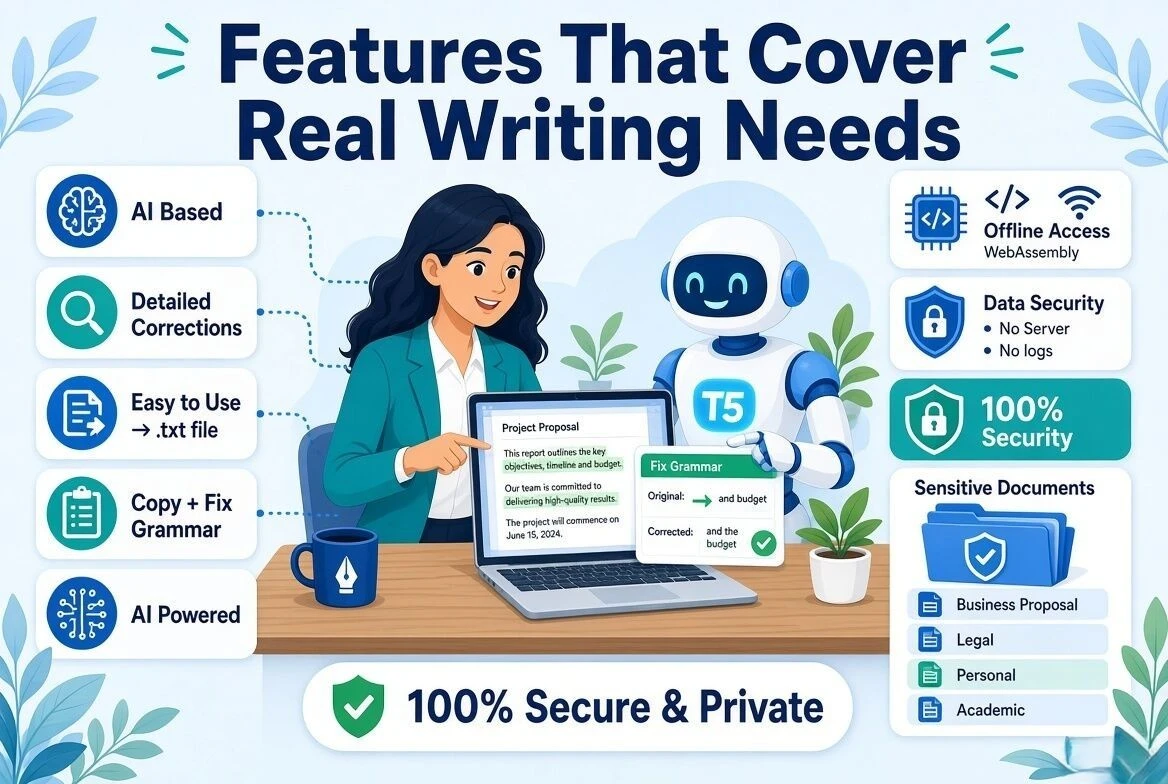
Our grammar checker has some great features:
AI Based: Our checker uses an advanced AI model called T5 (Text-to-Text Transfer Transformer) for intelligent paraphrasing and correcting sentences.
Detailed Corrections: This tool not only highlights errors but gives detailed corrections with explanations and smart suggestions based on context to make your writing concise and clear.
Easy to use: You can simply copy/paste your text or use a .txt file and click ‘Fix Grammar,’. You can then see your results in a dedicated section.
Can be used offline: This tool runs using WebAssembly so can be used completely offline.
Your Data is secure: Everything is encrypted, processed on your device. No data is stored on a server, no data is logged, there is no history and no data is sold.
Secure for Sensitive Documents: As this tool does not send any data unlike most online tools, it is very secure to edit Sensitive Documents such as business proposals, legal notes, personal letters and academic documents.
Who Will Benefit Most from This Tool?
Students will greatly benefit from this tool. They often write essays under tight deadlines and may start with rough drafts. Using this tool to check sections of an essay allows students to identify and correct mistakes quickly. Understanding why certain parts of their writing are flagged will also help them improve their writing skills.
Professionals will benefit from having this tool when writing emails to clients, reports, or proposals. It provides a faster and more confident way to write while keeping sensitive information away from external servers.
Non-native English speakers will benefit from accurate corrections and clear suggestions that help them write more naturally and confidently.
Content creators and freelancers will also benefit from this tool. There are no word limits, so users can check entire drafts without splitting them into smaller sections. The tool runs directly in the browser and doesn't require an internet connection once the page has loaded.
How It Compares
No limits / pay per use: Provides unlimited correction and smart rephrasing at no cost, unlike competitors who limit you to a certain amount of words or ask you to pay for extra features.
No account needed: It's completely free to use and requires no registration or login.
Manual input: You have to manually input text.
No browser extensions: While some competitors offer real-time highlighting within your browser (e.g. Google Docs / Gmail), this allows you to use it without any limitations.
Great for privacy: Loved by those looking for high levels of control over their data, local processing and a trustworthy free tool without constant upselling.
How to Use This Tool
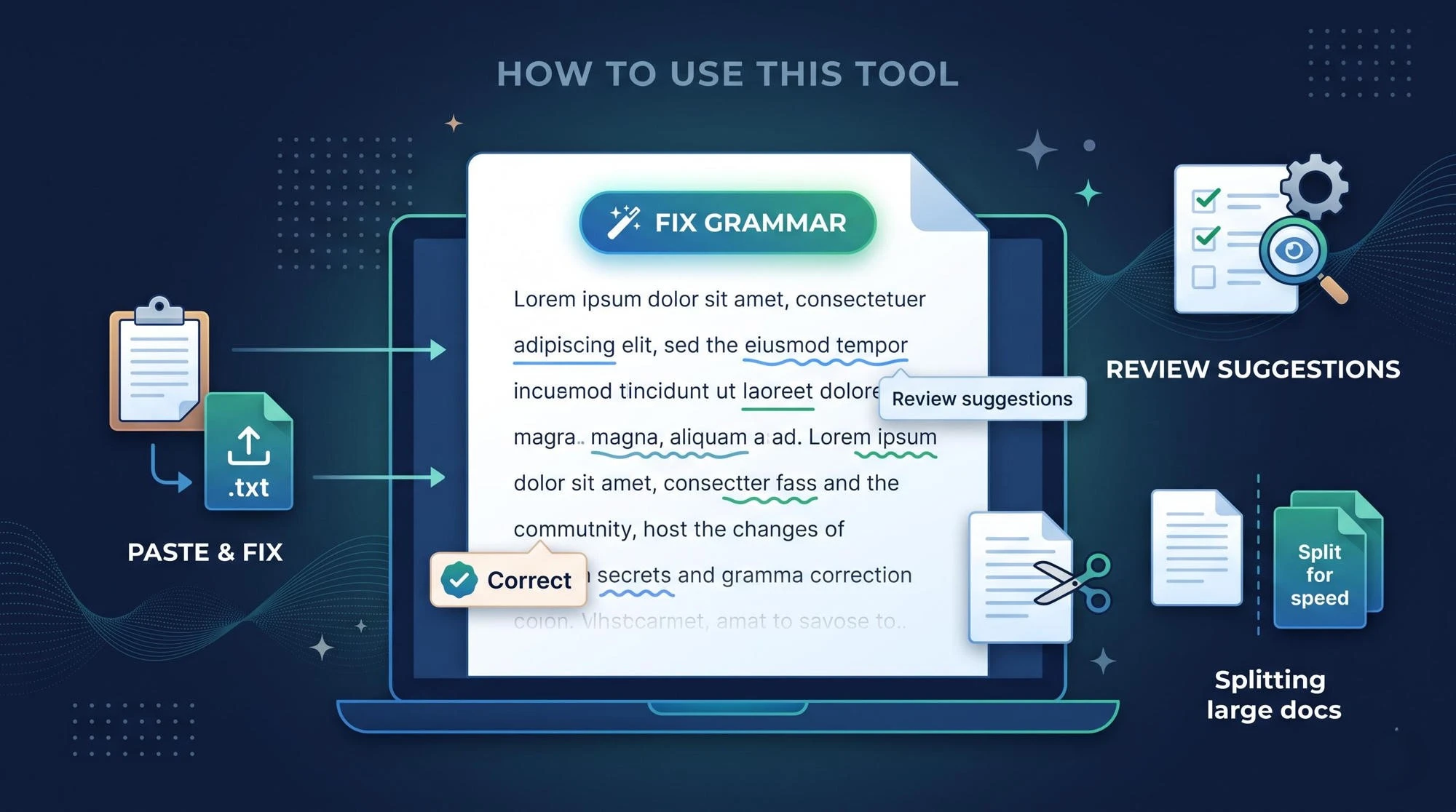
Paste your text or upload a .txt file, then click Fix Grammar. You will receive a corrected version of your document along with a series of suggestions for you to review. While the tool is very helpful, it is by no means perfect, especially when dealing with technical or creative writing. Make sure you only accept the changes that genuinely improve your text.
If you are working with a large document, consider splitting it into smaller sections, as processing lengthy text may cause the tool to lag on slower devices. However, it should work smoothly with standard essays.
Since nothing is saved, you can edit your drafts privately. You can also combine this tool with others, such as PDF to Markdown or AI Humanizer, for a quick and private writing experience directly in your browser!
Privacy & Practical Considerations
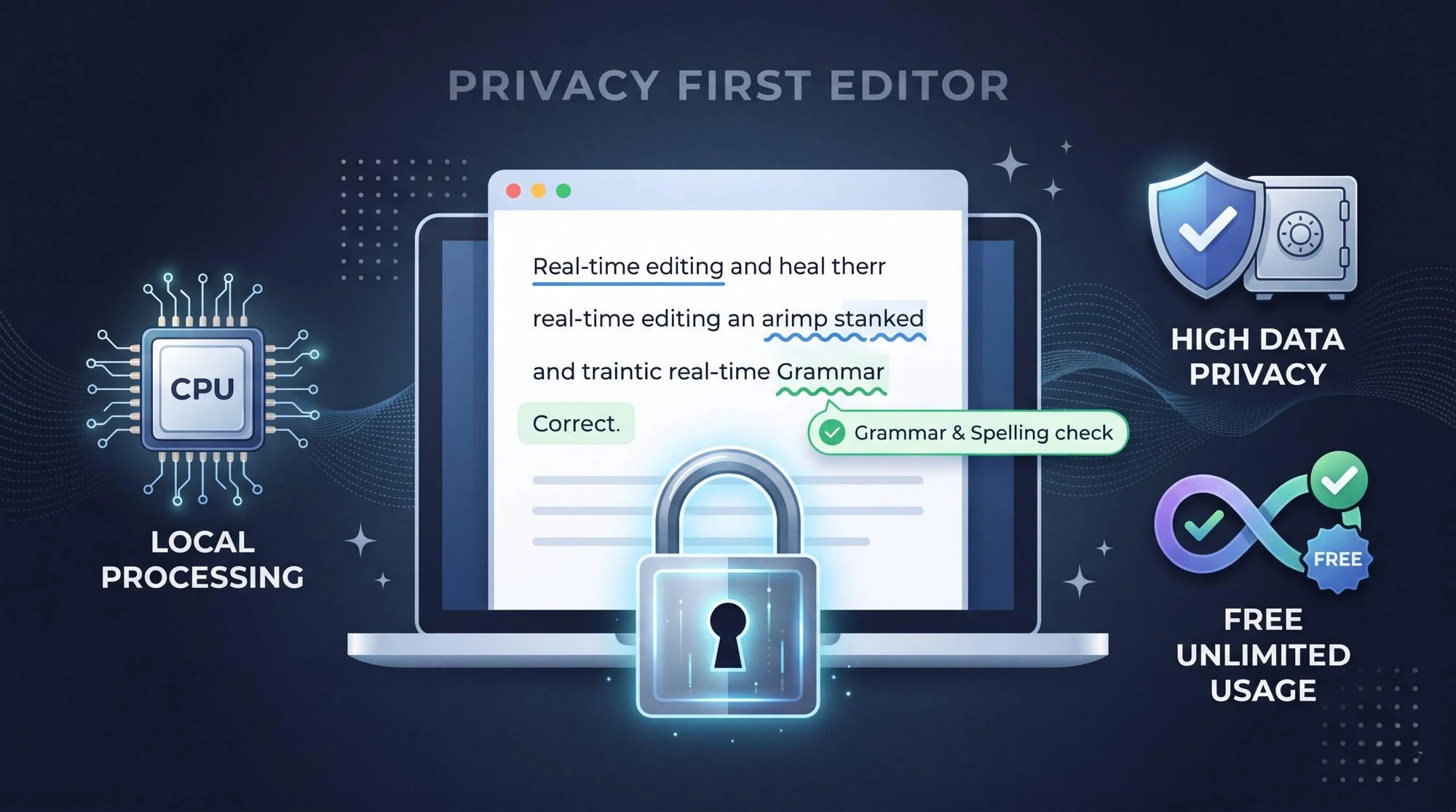
The most standout feature of this tool is the privacy model. In a world where many AI tools will store your input to improve their models, having a tool that will never send your text is reassuring. This is particularly useful if you work within a regulated industry, journalism, legal or if you deal with personal data.
As this is an automated tool, it cannot replace a human when reviewing complex arguments, highly technical terminology or audience specific styling. As a first or second pass tool, it will help to identify any mechanical mistakes or clear readability concerns. The quality of the tool will depend on how good the T5 based model is. It will perform well for standard English but may give suggestions that are slightly too formal or not pick up on some niche idioms.
Conclusion
The AI Grammar Checker tool on freeaitoolforthat.com provides some of the best corrections, smart rewriting and is actually private, completely free of charge with no restrictions. Whilst it cannot be used as a substitute for a human editor it does make writing drafts very easy by removing any barriers such as paywalls and uploading to the cloud. It’s definitely worth trying out to give you some reliable help with your grammar.
Frequently Asked Questions
Is the AI Grammar Checker free?
Yes! There are no subscription, premium, card or hidden restrictions. Just use as much as you like!
Do I have to sign up?
Nope. Just start checking your text right away! No sign ups, no emails required.
Is my text stored or uploaded?
Nope. All processing happens via WebAssembly in your browser. Your text will never be uploaded, stored or logged.
What kinds of errors can it detect?
This tool detects grammatical errors, spelling mistakes and punctuation errors. It can also suggest rewording based on context.
Are there any word/character restrictions?
Nope! This tool has no restrictions. Paste as much text as you like, whether that’s a few paragraphs or a long document.
Can I use this with files?
Yes! You can upload a simple .txt file or just paste your text into the box.
What language can it detect?
This tool is optimised for English (and common dialects). While it may be able to detect some simple structures in other languages, the best results will be with English text.
How is this different to Grammarly etc?
Unlike most popular grammar checking tools, this tool is fully browser based. No sign ups, no free tier restrictions and no uploading of your text. This tool is focused on providing you with a private unlimited grammar checking tool.
Will this change my writing style?
The tool will try its best to keep your intended meaning whilst suggesting ways to make your text clearer. You should always double check the suggestions though, especially if your text is creative.
Is it safe to use with sensitive/confidential text?
Yes! As everything is processed on your device, this tool is perfect for checking your personal emails, business drafts, academic work and more.
Ready to try our AI tools?
Experience the power of free, private AI tools running directly in your browser.
Explore All Tools