AI Speech-to-Text That Actually Stays on Your Device

Most modern speech-to-text tools force you to choose between ease of use and privacy. You either send private audio files to a company’s servers or spend a lot of time setting up something local that needs Python and a strong graphics card. Free AI Speech to Text from freeaitoolforthat.com solves this problem. It uses OpenAI’s Whisper model in your browser with WebAssembly, so nothing is sent anywhere, and no account is needed.
This one feature makes the tool feel different when you use it. You go to the page, record from your microphone or add an MP3, WAV, or MP4 file, and the words show up. There are no limits on how you can use it, no timers, and no request for an email address. The page simply says: “Free! Offline! Data-free!”
Why you need local transcription
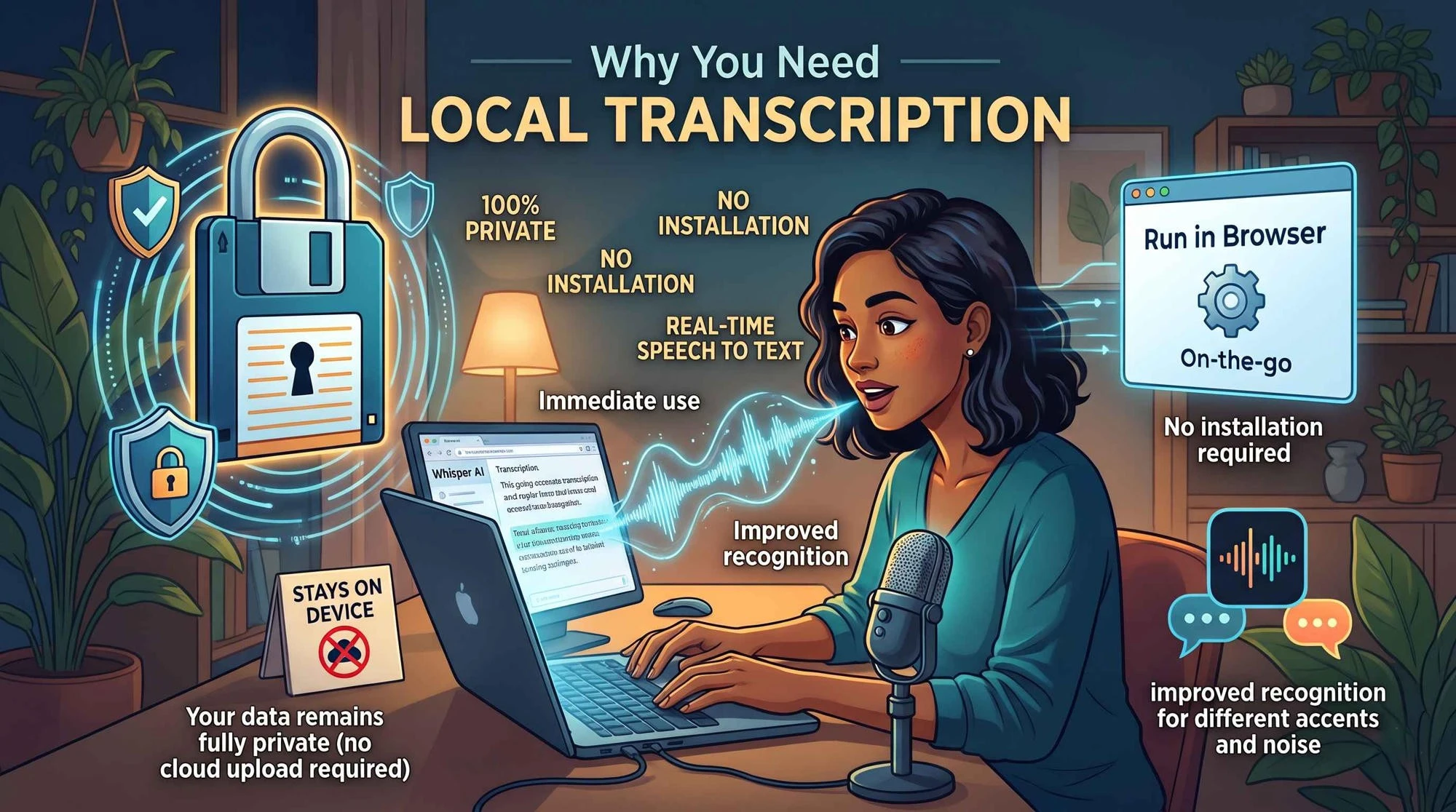
Your data remains fully private: Recordings stay on your own device, so you do not have to upload sensitive audio to the cloud.
No installation required: The tool runs in your browser and only loads the required parts of the model.
Improved recognition: Whisper provides better recognition of different accents and background noise than older speech engines.
Immediate use: Voice memos or lectures can be converted into readable text instantly.
What you can actually do with it
You can speak into your mic or upload a file. If you upload a video, the tool extracts the audio from MP4 or MOV files. It supports over 90 languages, including most European languages, East Asian languages, Arabic, and Indonesian. The transcription appears in a simple text format that you can copy and use. You can also use the output for commercial purposes.
Common uses include creating quick subtitles for your content, taking notes from lectures, drafting interviews, and reviewing large numbers of voice memos without a subscription. Because everything is done locally, it is much safer.
Comparison with other options
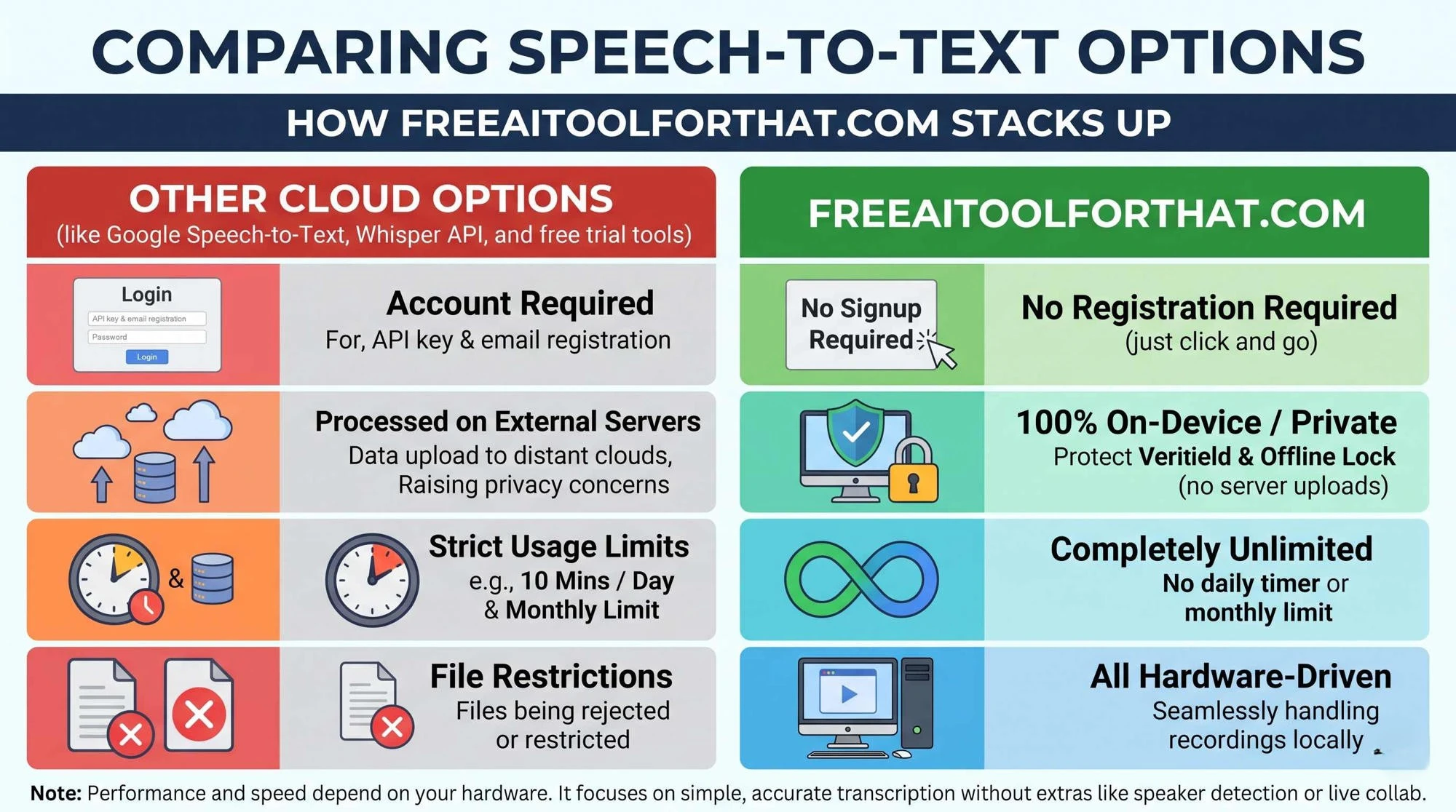
Google Speech-to-Text and the Whisper API both require you to create a free account, obtain an API key, and process audio on their servers.
Most free consumer options impose some kind of limit—often 10 minutes of usage per day, and sometimes a monthly or file-size limit as well.
The version on freeaitoolforthat.com has no limits and requires no registration.
Performance and accuracy depend entirely on your own hardware. Most modern computers handle average recordings easily. This tool does not include extra features such as speaker detection, live collaboration, or document export. It focuses solely on accurate audio-to-text conversion.
Privacy & Reliability
The privacy claims are clear and easy to verify. Audio is not stored outside your device. There is no uploading. Your data is not used to train the model. Once all the required components have been loaded, the tool continues to work even if you lose internet connectivity. This makes it suitable for serious and sensitive recordings.
How does this work?
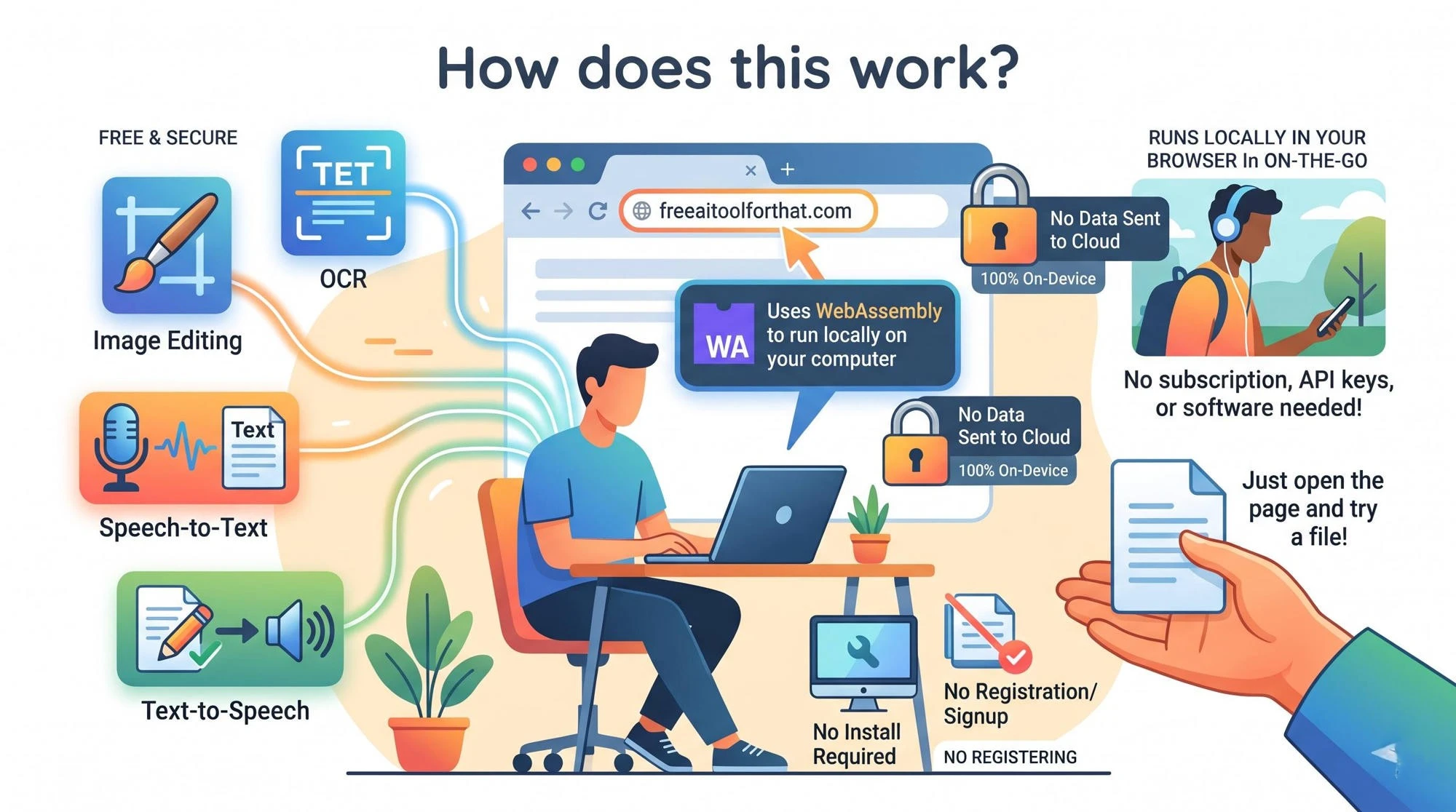
This tool is one of several available on freeaitoolforthat.com. The site also offers image editing, OCR, text-to-speech, grammar checks, and PDF conversion. All are designed to run in the browser with no registration required and, where possible, to keep files on your device. The speech-to-text tool uses client-side WebAssembly to achieve this.
This is an easy way to get speech-to-text done, whether occasionally or regularly, without any subscription, API keys, or software installation. It is not intended to replace professional multi-speaker tools, but it works well for everyday tasks and removes most of the usual drawbacks of free tools.
If you have been putting off speech-to-text because of limits or privacy concerns, simply open the page and try a short file. This will show you whether the local version of Whisper meets your needs.
Conclusion
The Free AI Speech to Text tool on freeaitoolforthat.com offers a practical middle ground between clunky local setups and limited cloud-based solutions. By running OpenAI’s Whisper model in your browser via WebAssembly, it delivers a completely free, unlimited, and private speech-to-text experience. While it is unlikely to suit complex multi-speaker projects, it is one of the more practical and private options for students, journalists, and content creators.
Frequently Asked Questions
How do you ensure my privacy?
All processing is done on your computer. Audio, interviews, and notes never leave your device.
Do I need to download or register?
No. Everything runs in the browser using WebAssembly and Whisper models from OpenAI. No downloading, registration, or email address is required.
Are there any limits?
No. The tool is free to use and has no limits. Unlike freemium tools, there are no time limits or file-size limits.
Can I use it offline?
Yes. Once all the necessary components have been downloaded, you can use the tool fully offline.
What formats and languages does it support?
You can record live from your microphone or upload an MP3, WAV, MP4, or MOV file (audio is extracted from video). Over 90 languages are supported, including most European languages, East Asian languages, Arabic, and Indonesian.
What are the main negatives?
Because everything is processed locally, speed depends on your computer. There are no extra features such as speaker detection, advanced text editing, or document export.
Can I use the text for commercial purposes?
Yes. You receive basic text that you can use however you wish.
Who would benefit most from this tool?
It is best suited to writers, students, journalists, and anyone who wants a fast, private, and unlimited way to transcribe lectures, interviews, or voice notes without a subscription. It is less suitable for high-volume work involving multiple speakers.
Ready to try our AI tools?
Experience the power of free, private AI tools running directly in your browser.
Explore All Tools